Best Raspberry Pi for Home Assistant
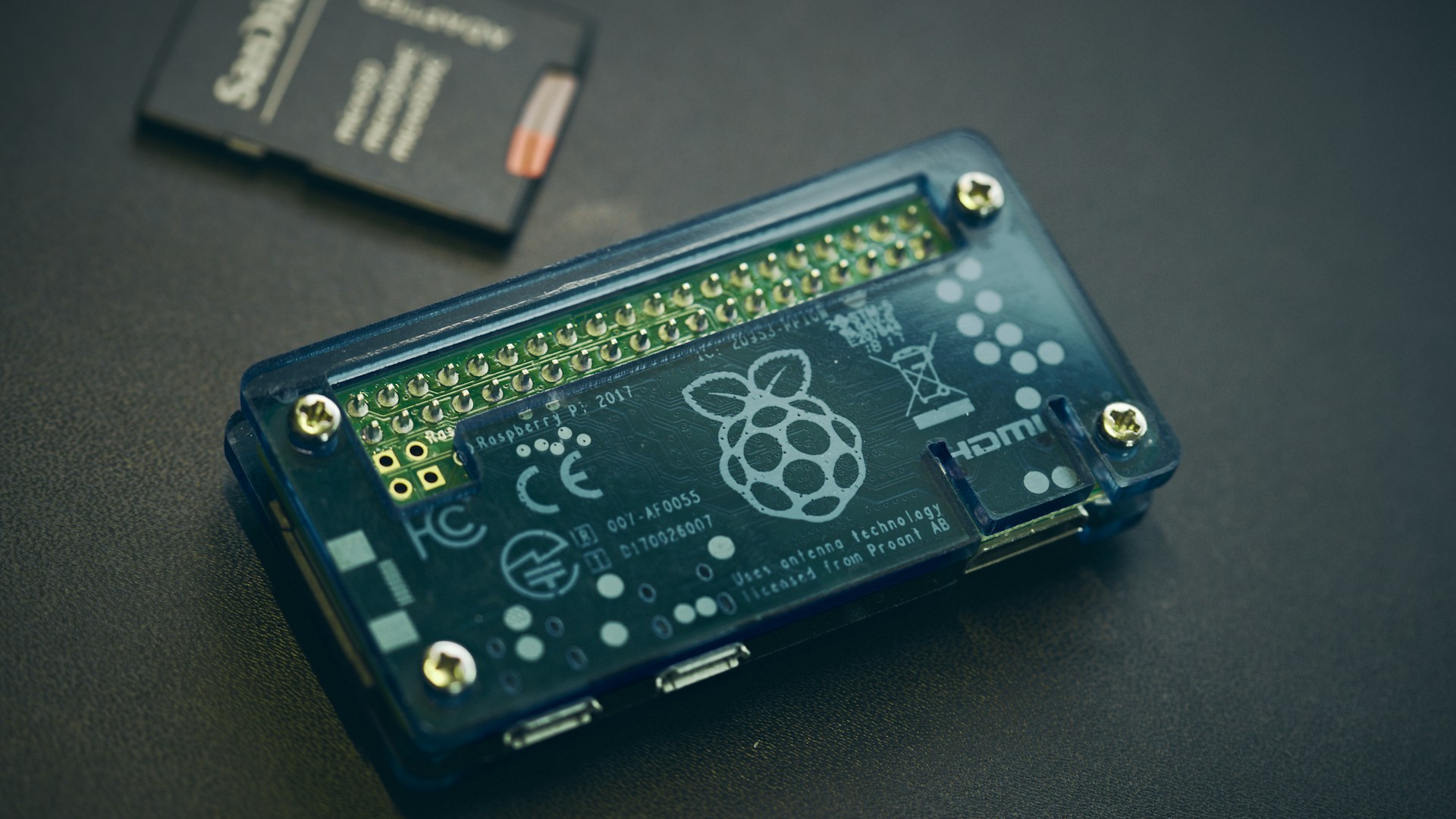
Table of Contents
The best Raspberry Pi for Home Assistant is undoubtedly the Raspberry Pi 4 Model B with 4GB or 8GB of RAM. Its performance capabilities and connectivity options make it an excellent choice for managing smart home devices efficiently. In this article, we will delve into the specifics of each Raspberry Pi model, comparing their features to help you make the right choice for your home automation needs.
Bottom Line: Our Pick
For a seamless Home Assistant experience, the Raspberry Pi 4 Model B (8GB) is the best option. Priced around $55, it offers robust multitasking capabilities, making it suitable for handling multiple smart devices and tasks simultaneously. If you’re looking for a more economical option, the Raspberry Pi 4 Model B (4GB), costing approximately $35, is still quite capable for basic setups.
Overview of Raspberry Pi Models for Home Assistant
To guide you in choosing the best Raspberry Pi, let’s compare the most relevant models:
| Model | RAM | CPU | Price Approx. | USB Ports | Ethernet | HDMI Ports | Recommended for |
|---|---|---|---|---|---|---|---|
| Raspberry Pi 4 Model B | 8GB | Quad-core 1.5GHz | $55 | 2 | Yes | 2 | Advanced users, multiple integrations |
| Raspberry Pi 4 Model B | 4GB | Quad-core 1.5GHz | $35 | 2 | Yes | 2 | Basic users, home automation |
| Raspberry Pi 3 Model B+ | 1GB | Quad-core 1.4GHz | $35 | 4 | Yes | 1 | Low-cost setups, basic automations |
| Raspberry Pi Zero 2 W | 1GB | Quad-core 1GHz | $15 | 1 | Wi-Fi only | 1 | Minimal configurations, IoT devices |
Details on Each Model
1. Raspberry Pi 4 Model B (8GB)
The Raspberry Pi 4 Model B with 8GB RAM is the ultimate choice for users planning to integrate numerous smart devices. Its powerful quad-core CPU running at 1.5GHz allows for swift processing, essential if you’re using multiple integrations or add-ons in Home Assistant. With two USB 3.0 ports and support for dual monitoring via two HDMI outputs, this model supports fast external devices and multi-display setups.
Who this is for:
- Users with numerous smart home devices
- Those looking to run multiple integrations or heavy add-ons
- Advanced users needing robust processing capabilities
Who should skip this:
- Beginners or casual users just getting started with Home Assistant
- Users with minimal devices looking for cost-effective options
2. Raspberry Pi 4 Model B (4GB)
For a more budget-conscious option, the 4GB version strikes a balance between price and performance. At about $35, it retains the same powerful processing capabilities while providing enough memory for most users’ needs. This model is particularly efficient for users managing a few smart devices or looking to run basic automations.
Who this is for:
- Beginner users starting with home automation
- Users managing a few devices in their smart home
Who should skip this:
- Those who anticipate scaling up their smart home significantly
- Advanced users looking for maximum performance
3. Raspberry Pi 3 Model B+
The Raspberry Pi 3 Model B+ is an older model but remains a viable option for low-cost setups. With 1GB RAM and a slower 1.4GHz CPU, it is suitable for simple automation tasks but will struggle under heavier loads. Priced around $35, it’s best for users with minimal setups or those experimenting with Home Assistant.
Who this is for:
- Users on a tight budget
- Basic automation projects and experiments
Who should skip this:
- Anyone with high expectations regarding performance
- Users planning larger home automation systems
4. Raspberry Pi Zero 2 W
For ultra-compact and low-power scenarios, the Raspberry Pi Zero 2 W is a compact solution priced at just $15. With 1GB of RAM and Wi-Fi capability, it’s designed for minimal configurations and specific IoT devices. However, due to its limited hardware specifications, you’ll need to be cautious about its capabilities.
Who this is for:
- Projects requiring small size and low power
- Niche IoT applications
Who should skip this:
- Full-featured smart home setups
- Users looking for versatile and powerful performance
Setting Up Home Assistant on a Raspberry Pi
Installation is straightforward, especially with the Raspberry Pi Imager tool. Here’s a quick step-by-step guide:
- Download and Install Raspberry Pi Imager: Get it from the official Raspberry Pi website.
- Select Operating System: Choose Home Assistant OS from the recommended section.
- Select Storage: Insert your microSD card (use at least class 10 for better performance).
- Write the Image: Click the Write button to transfer the Home Assistant image to the microSD card.
- Boot Your Raspberry Pi: Insert the card into your Raspberry Pi and power it up. Access Home Assistant through your web browser via the IP address assigned.
This process is user-friendly, and once your Home Assistant is up and running, you can begin integrating various smart devices.
Conclusion
When considering the best Raspberry Pi for Home Assistant, the Raspberry Pi 4 Model B (8GB) stands out as the prime choice for those who want robust performance and the ability to expand their smart home. For less demanding users, the 4GB model offers ample performance at a lower price, while the 3 Model B+ and Zero 2 W serve niche purposes.
Treading carefully with specs and future needs is crucial. Choose according to your intended use, and you’ll be well on your way to mastering your smart home with Home Assistant!
Recommended Products

Raspberry Pi 4 Model B 2019 Quad Core 64 Bit WiFi Bluetooth (4GB)
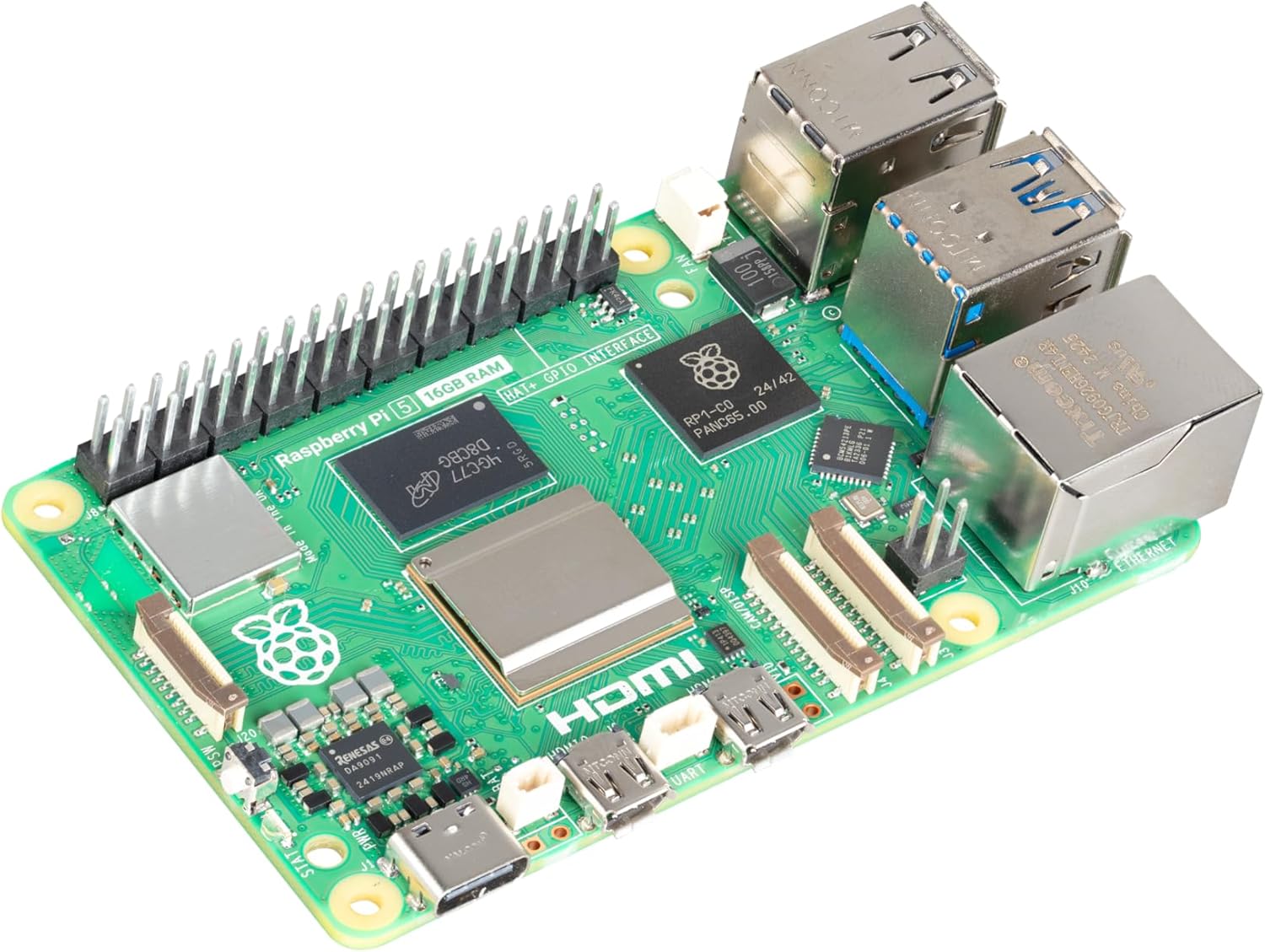
Raspberry Pi 5 (16GB)
