Homebridge vs Home Assistant: Which Should You Choose?
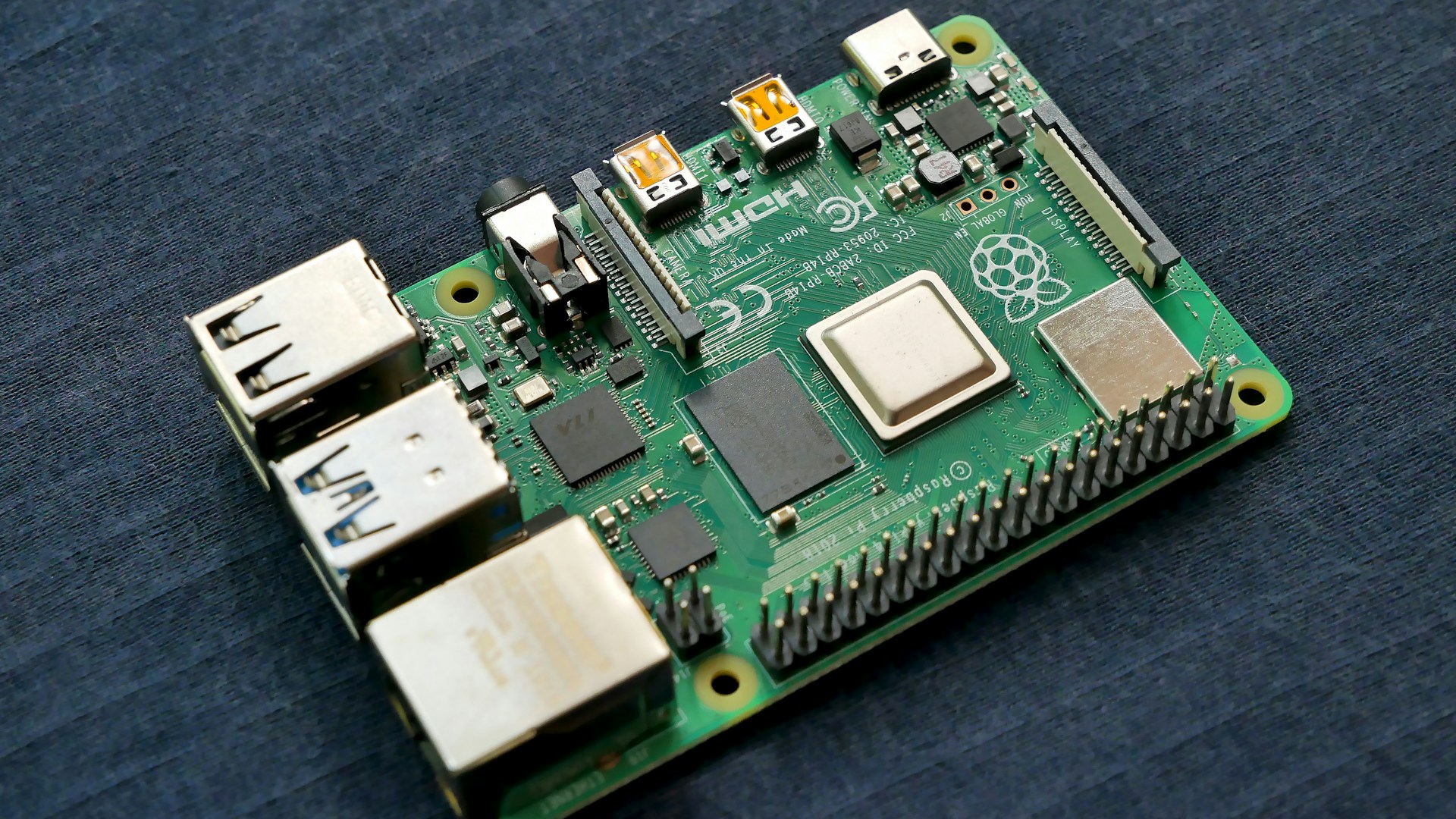
Table of Contents
When it comes to building a smart home, two of the most popular platforms are Homebridge and Home Assistant. Both allow for extensive home automation but target different users and setups. The bottom line? Home Assistant is the clear winner for anyone serious about customizing their smart home experience. Here’s why and how they stack up against each other.
Bottom Line: Our Pick
If you’re looking for deep customization, flexibility, and a rich set of features, Home Assistant is the way to go. It supports a wide array of devices and allows for complex automations that can adapt to almost any home. On the other hand, Homebridge is best suited for those who mainly use Apple HomeKit and want a straightforward setup without diving deep into configurations.
Feature Comparison
Before we dive deeper, let’s look at a quick comparison of features:
| Feature | Homebridge | Home Assistant |
|---|---|---|
| Cost | Free (open-source) | Free (open-source) |
| Compatibility | Primarily Apple HomeKit | Supports multiple platforms & protocols |
| Customization | Limited | Highly customizable |
| User Interface | Minimal | Extensive dashboard options |
| Installation | Simple and quick | More complex, but comprehensively documented |
| Community Support | Active but smaller | Very large community and resources |
| Automation | Basic automations | Advanced automations with YAML configurations |
| Device Support | Limited to what can connect to HomeKit | Hundreds of devices, services, and integrations |
What Each Platform Offers
Homebridge
Homebridge is primarily designed to bridge non-HomeKit compatible devices to Apple’s HomeKit ecosystem. This is a great platform for Apple users who want to keep everything within HomeKit’s user-friendly interface.
-
Installation: Setting up Homebridge is straightforward. You can run it on a Raspberry Pi, a PC, or even a Docker container. It uses a simple Node.js framework which means you’ll need minimal technical knowledge.
-
Customization: The customization options are limited, often requiring plugins to extend capabilities. There are hundreds of plugins available, but you might find that you have to compromise on certain functionalities depending on the devices you’re using.
-
Support: While the Homebridge community is passionate, the support is not as extensive as Home Assistant. You may run into hurdles that are less documented.
Price: Homebridge is free, but you may incur costs for compatible hardware.
Home Assistant
Home Assistant, on the other hand, is designed for the enthusiast who wants complete control over their smart home. It can integrate with a multitude of devices and protocols — think Alexa, Google Assistant, Zigbee, Z-Wave, and many more.
-
Installation: Installation can be a bit more involved than Homebridge. You can set it up on Raspberry Pi, a server, or as a Docker container. The detailed documentation available makes this feasible even for beginners willing to invest some time.
-
Customization: This is where Home Assistant shines. You can write automations in YAML, utilizing complex variables and triggers to create sophisticated home automation scenarios. You’re not limited to simple setups; for instance, you could automate lights, thermostats, and security systems based on various conditions.
-
User Interface: Home Assistant provides a highly configurable dashboard, which means you can design your control panel exactly how you want it.
-
Community Support: Home Assistant has one of the largest communities and a wealth of resources available, including forums, Discord channels, and extensive documentation. You’re far more likely to find support quickly for unique problems.
Price: Like Homebridge, Home Assistant is free to use, though hardware costs vary based on your setup.
Who This is For
-
Choose Home Assistant If:
- You’re passionate about home automation and want to customize every aspect of your smart home.
- You need to integrate with a wide range of smart devices beyond just Apple’s ecosystem.
- You’re planning to implement complex automations without any restrictions.
-
Choose Homebridge If:
- You primarily use Apple devices and want to control non-HomeKit gadgets without complex setups.
- You prefer simplicity and don’t need highly advanced automation.
- You want to integrate a few extra devices into an otherwise Apple-focused smart home.
Who Should Skip This
-
Skip Homebridge If:
- You are not invested in the Apple ecosystem or do not use HomeKit.
- You want to expand your smart home capabilities significantly and not just add a few devices.
-
Skip Home Assistant If:
- You prefer a straightforward, plug-and-play setup without the need for extensive customization.
- You’re content with basic automation and already engage exclusively with devices compatible with Apple HomeKit or another proprietary system.
Final Recommendation
In the battle of Homebridge vs. Home Assistant, there’s no contest if serious home automation and flexibility are what you want. Home Assistant stands out as the dominant choice. Its broad compatibility, deep customization options, and robust community support make it a worthwhile investment for anyone wanting to future-proof their smart home.
If you’re just starting and heavily invested in Apple, Homebridge could work for you, but it’s essential to weigh its limitations against your long-term goals. Overall, dive into Home Assistant; your smart home will thank you!